
Stop Letting Messy QuickBooks Data Create Bigger Problems
Your QuickBooks file can become difficult to manage faster than you expect.
One wrong category.
One duplicate bank import.
One new account created instead of using an existing one.
Over time, small bookkeeping mistakes turn into:
- Duplicate transactions
- Uncategorized expenses
- Confusing account categories
- Messy Chart of Accounts
- Financial reports you cannot fully trust
When tax season arrives or you need financial reports, these problems can cost you time and money.
The QuickBooks Cleanup & Chart of Accounts Fix Template helps you organize your bookkeeping data before cleanup becomes expensive.
Instead of spending hundreds of dollars fixing basic bookkeeping issues, use a simple spreadsheet system to identify problems, organize categories, and prepare cleaner financial records.
What This Template Helps You Do
Find Duplicate Transactions
Quickly identify repeated transactions that may affect your financial reports.
Stop wondering whether your numbers are accurate.
Fix Uncategorized Expenses
Find transactions that don’t have proper categories and organize them into the correct accounts.
Clean Up Your Chart of Accounts
Create a more organized bookkeeping structure with:
- Standard account categories
- Consistent account names
- Custom category mapping
Understand Your Spending
Review spending patterns and see where your money is going.
Prepare Better Financial Records
Create cleaner records before:
- Tax preparation
- Accountant meetings
- Business reviews
- Financial planning
What’s Included Inside
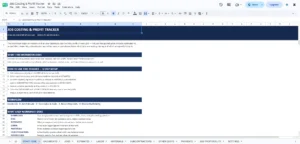
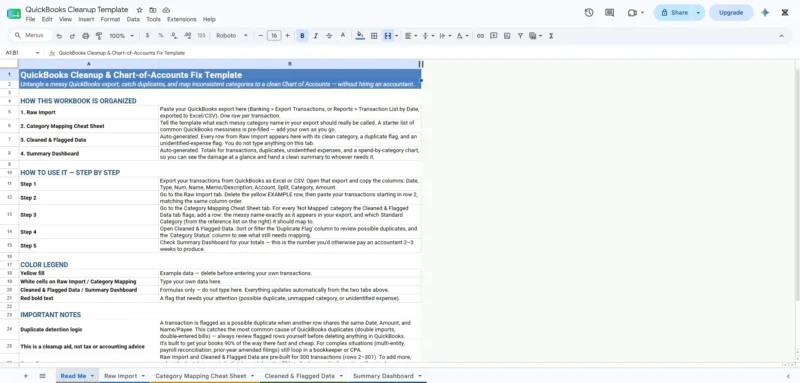
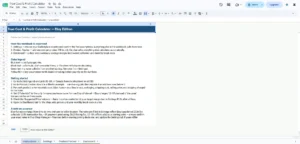
1. Read Me & Setup Instructions
A simple guide showing:
- How to export QuickBooks data
- How to import transactions
- How to review cleanup results
No complicated setup required.
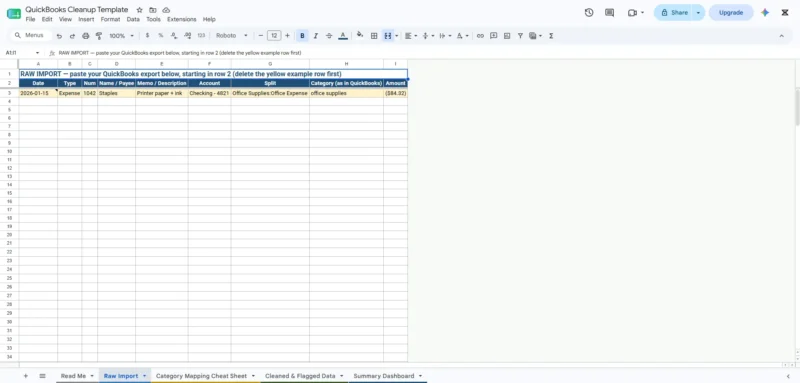
2. Raw Import Sheet
Paste your QuickBooks transaction export directly into the spreadsheet.
Includes support for approximately:
✓ 300 transactions by default
✓ Easy expansion for larger datasets
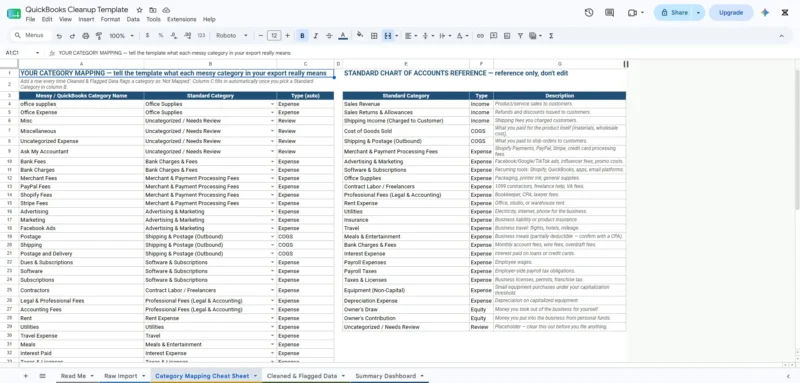
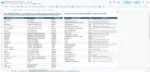
3. Category Mapping Sheet
Standardize your bookkeeping categories using:
✓ Common account categories
✓ Chart of Accounts reference
✓ Editable account names
✓ Custom categories
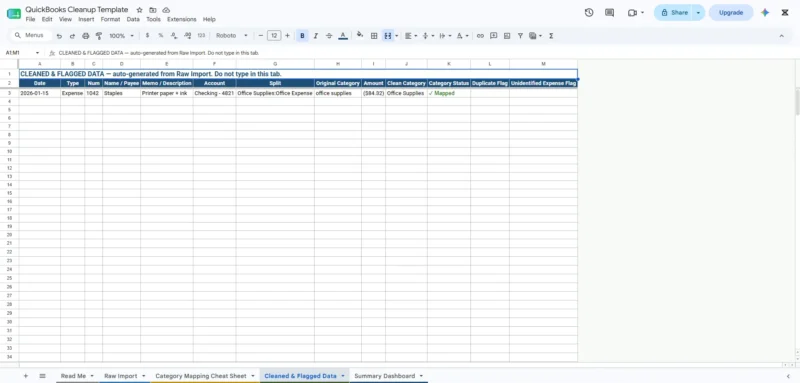
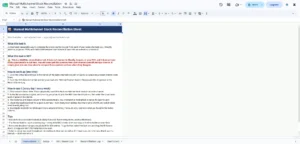
4. Cleaned & Flagged Data Sheet
Automatically organize issues including:
✓ Duplicate transactions
✓ Uncategorized expenses
✓ Missing account categories
✓ Unmapped transactions
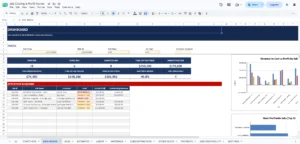
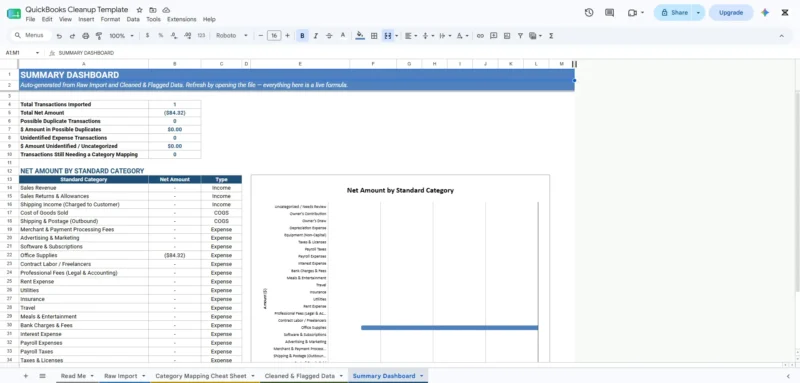
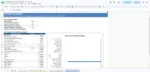
5. Cleanup Summary Dashboard
Get a quick overview of your bookkeeping health:
- Duplicate transaction value
- Uncategorized expense totals
- Spending by category
- Cleanup summary
Who Is This For?
Perfect for:
✓ Shopify sellers
✓ Etsy sellers
✓ Amazon sellers
✓ Freelancers
✓ Consultants
✓ Agencies
✓ Small business owners
Especially useful if you:
✓ Manage your own QuickBooks
✓ Have messy bookkeeping categories
✓ Want cleaner financial reports
✓ Need tax season preparation
✓ Want to reduce accountant cleanup time
Why Use This Instead of Hiring Someone?
Bookkeepers provide valuable expertise.
However, many bookkeeping problems are caused by simple organization issues:
- Duplicate entries
- Incorrect categories
- Missing account mapping
- Poor transaction organization
This spreadsheet helps you identify and organize these problems before professional review.
Save time.
Reduce cleanup work.
Understand your finances better.
How It Works
Step 1: Export Your QuickBooks Data
Download your transaction report from QuickBooks.
Step 2: Import Your Data
Copy and paste your transactions into the Raw Import sheet.
Step 3: Review Your Cleanup Results
The spreadsheet automatically highlights:
✓ Duplicate transactions
✓ Uncategorized expenses
✓ Account issues
✓ Spending summaries
Your dashboard updates automatically.
Key Benefits
✓ Clean messy QuickBooks records
✓ Find duplicate transactions quickly
✓ Organize your Chart of Accounts
✓ Reduce bookkeeping confusion
✓ Prepare for tax season
✓ Save accountant cleanup time
✓ Understand business spending
✓ Works with Google Sheets & Excel
✓ One-time purchase
✓ No monthly subscription
Product Details
Product Type: Digital Spreadsheet Tool
Included Formats:
✓ Google Sheets
✓ Microsoft Excel (.xlsx)
What You’ll Receive
After purchase:
✓ PDF setup guide
✓ Google Sheets Make-a-Copy link
✓ Excel spreadsheet file (.xlsx)
Instant digital delivery.
Frequently Asked Questions
Do I need bookkeeping experience?
No. If you can export QuickBooks data and copy/paste into a spreadsheet, you can use this template.
Does this replace my accountant?
No. This tool helps organize your bookkeeping data before professional review.
Do I need Microsoft Excel?
No. Both Google Sheets and Excel versions are included.
Can I use this for more than 300 transactions?
Yes. You can extend the formulas for larger datasets.
Is this a subscription?
No.
Pay once and use it whenever you need.
Guarantee
We’re confident this template will help you better understand and organize your bookkeeping data.
If it doesn’t make your QuickBooks cleanup process clearer within your first week, contact us at:
and we’ll help you.


Reviews
There are no reviews yet.